
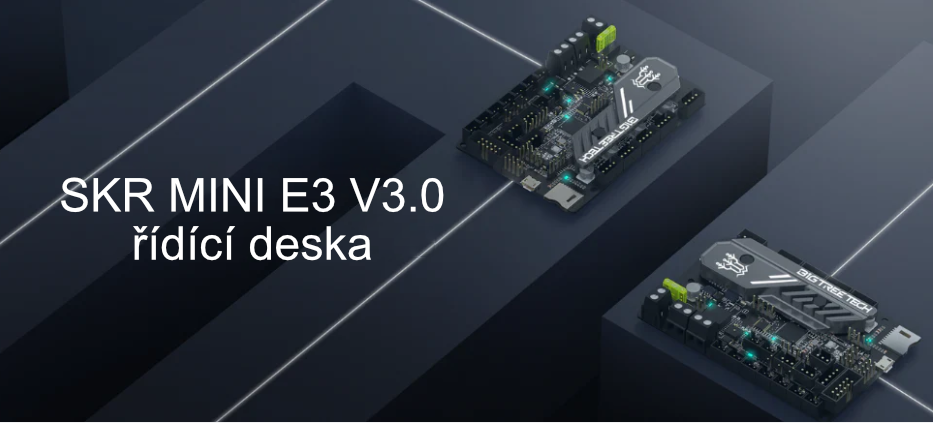
BTT SKR MINI E3 V3.0 Control Board - 32-bit
| Category: | Control boards, drivers |
|---|---|
| The item has been sold out… | |
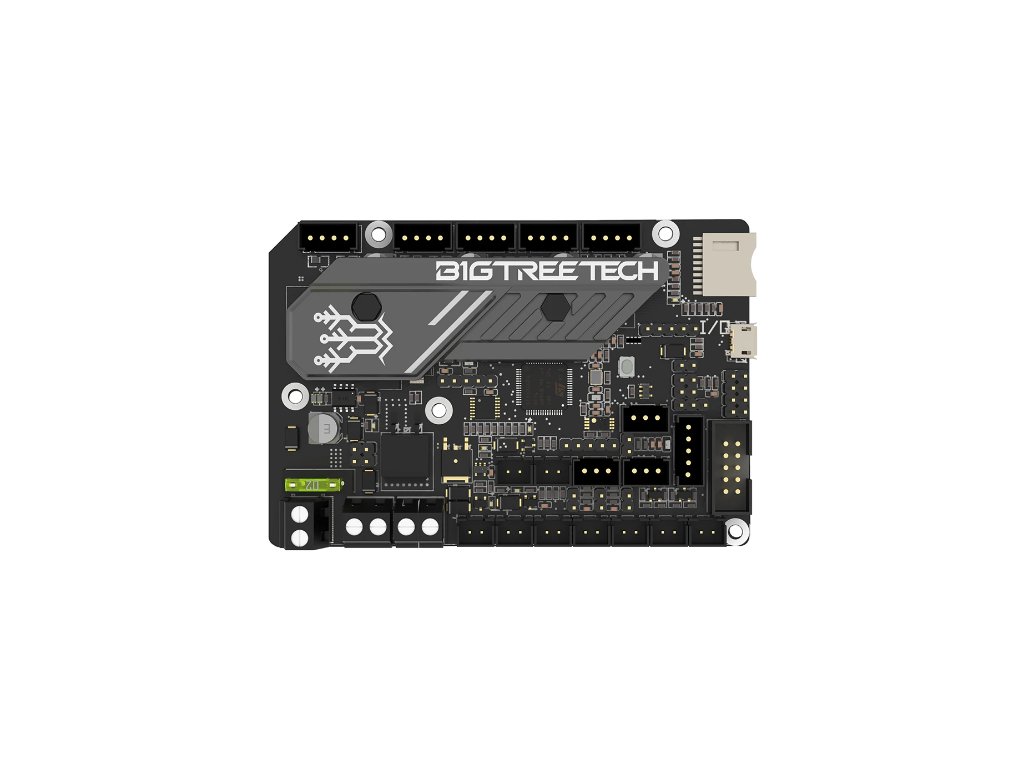


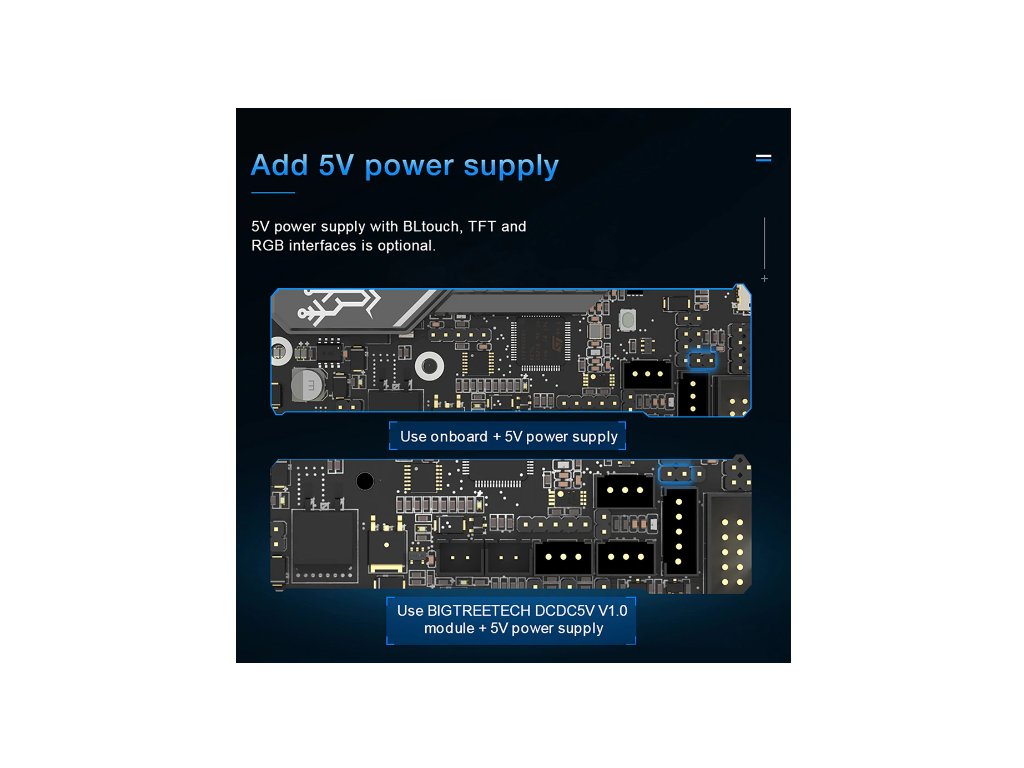
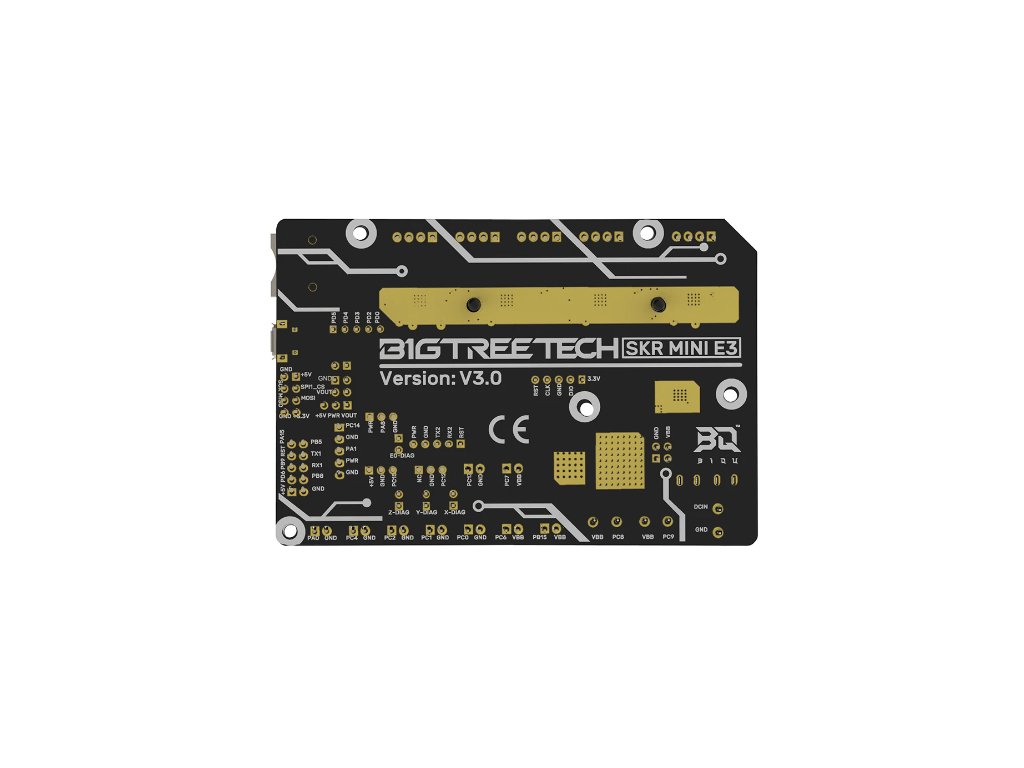
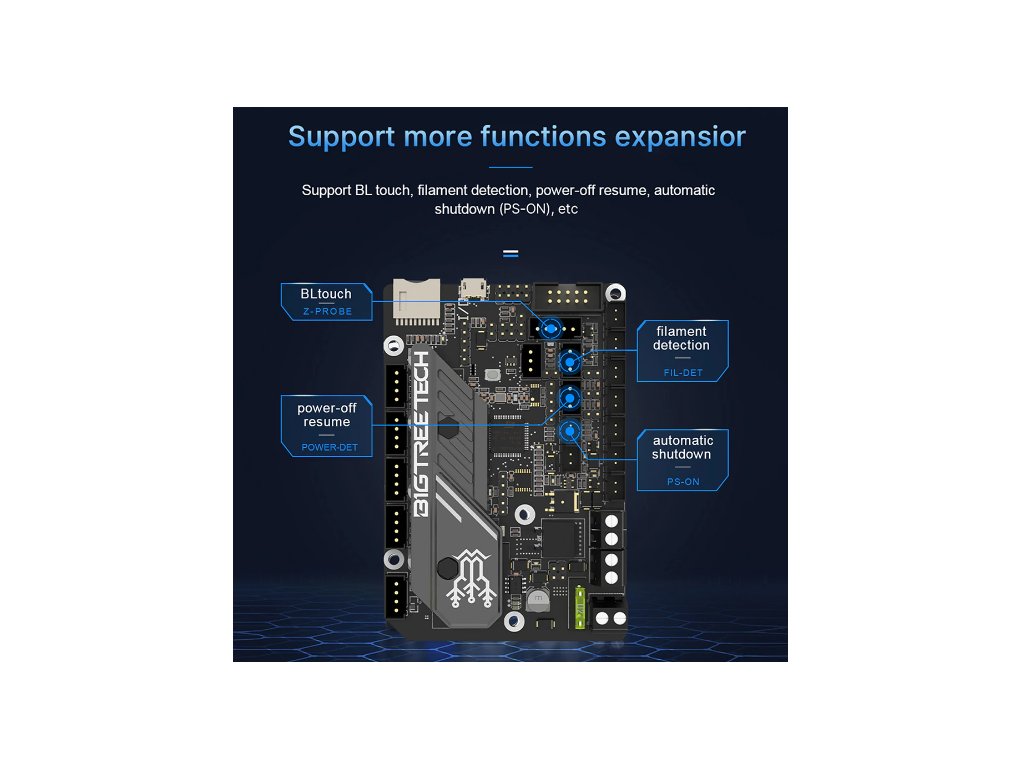
Main advantages:

Quiet TMC2209 drivers
These drivers utilize stealthChop2 Mute technology, which significantly reduces motor noise. The drivers are integrated into the board, so you don't need to assemble anything. Suddenly, the fans will be the loudest components.

Efficient cooling
A massive heatsink significantly improves heat dissipation from the drivers. Older versions of the board contained separate smaller heatsinks for each driver. Increased distance between drivers also contributes to better cooling.

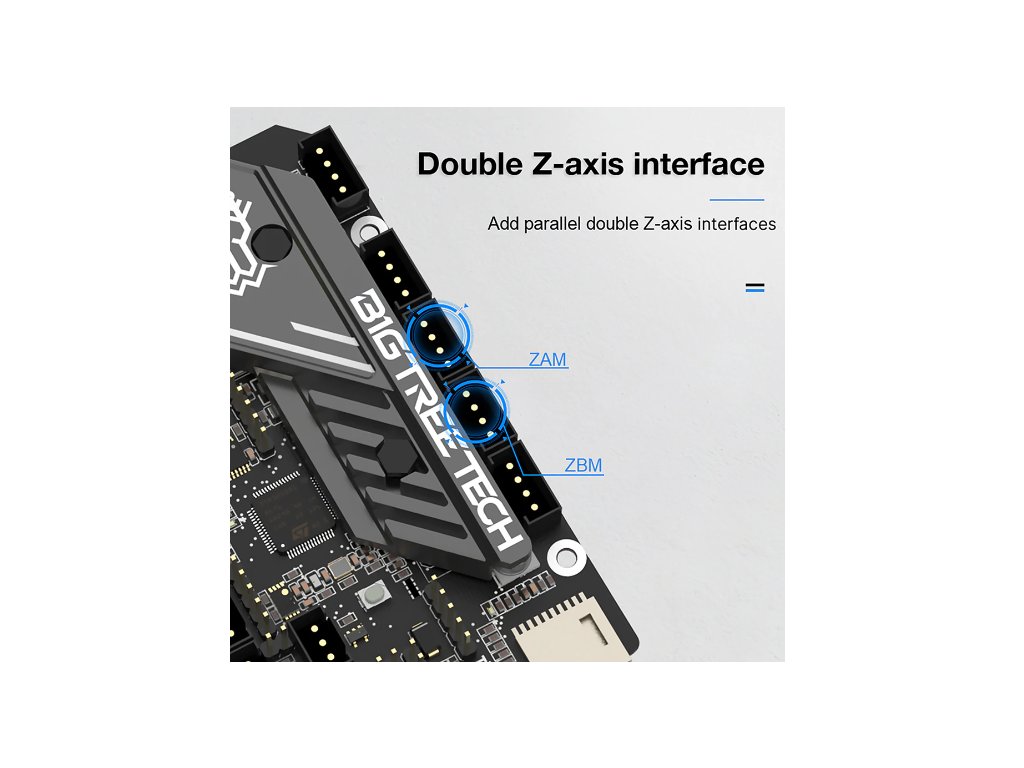
Second Z-axis
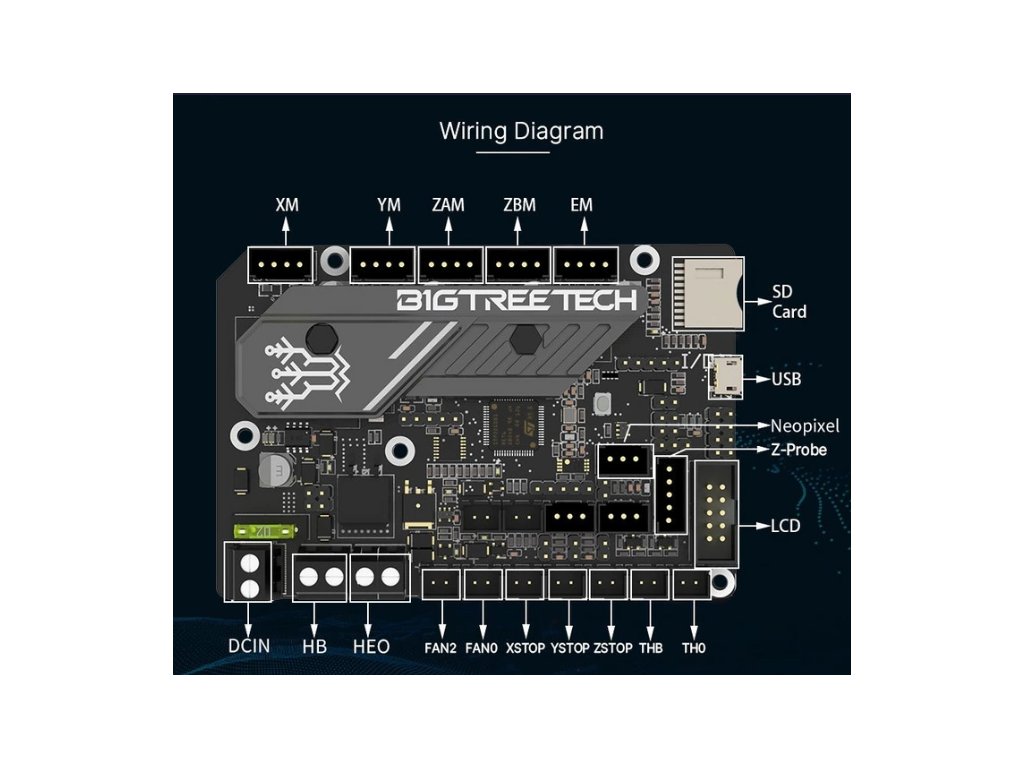
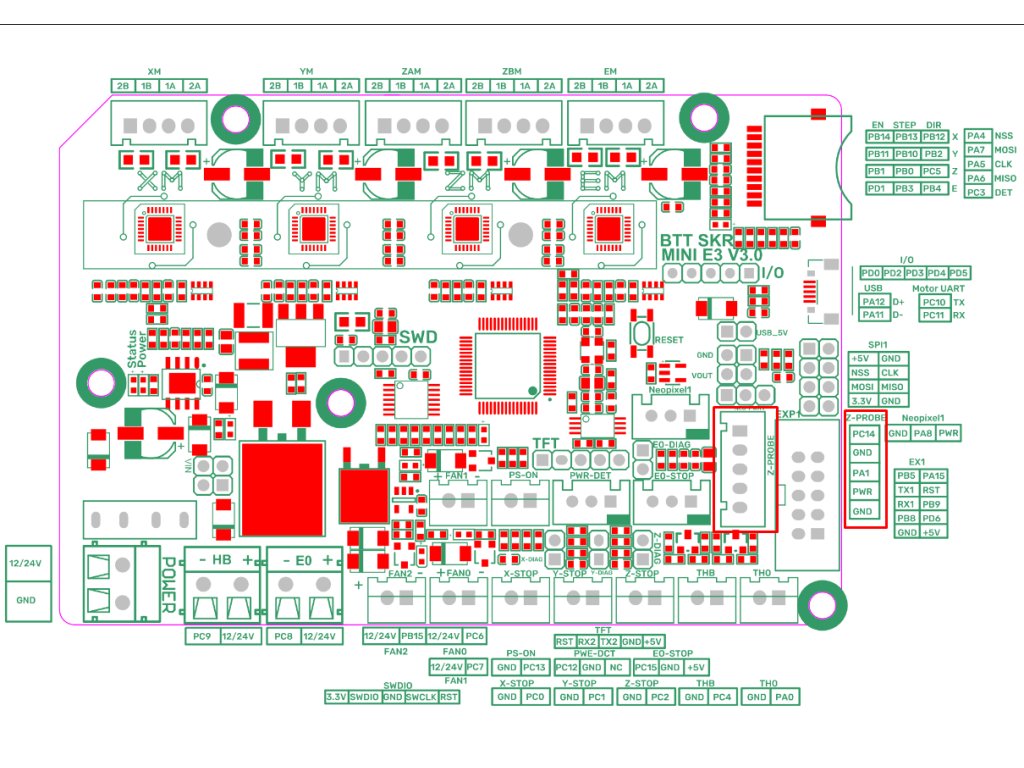
Especially when using direct extruders, one Z-axis drive will start to be insufficient. The prepared connector for the second Z-axis will facilitate its installation. A dual Z-axis drive and a direct extruder will take your printer to the next level.
.png)
Controlled fans
3 fan connectors open up more possibilities compared to the 2 connectors on the old version. You don't only have to have the board cooling and print cooling connected. Additionally, you can add, for example, extra cooling into the enclosure.
Packaging
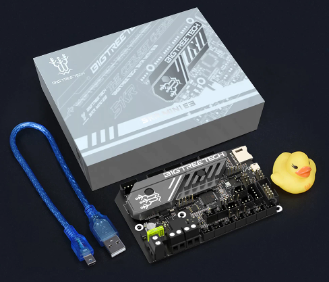
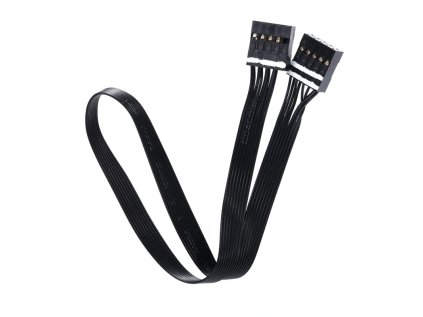
The set includes the BTT SKR MINI E3 V3.0 control board itself, a connecting cable, jumpers, and of course the most important thing... a duck.
Product Information:
BIGTREETECH SKR MINI E3 V3.0 is a more powerful successor to the popular V2 version.
Compared to the original 8-bit motherboard that came with the printer, the more powerful 32-bit SKR MINI E3 V3.0 motherboard has much higher performance and more interfaces for modifications.
The motherboard has been specifically created for a seamless upgrade and will very easily replace the original board.
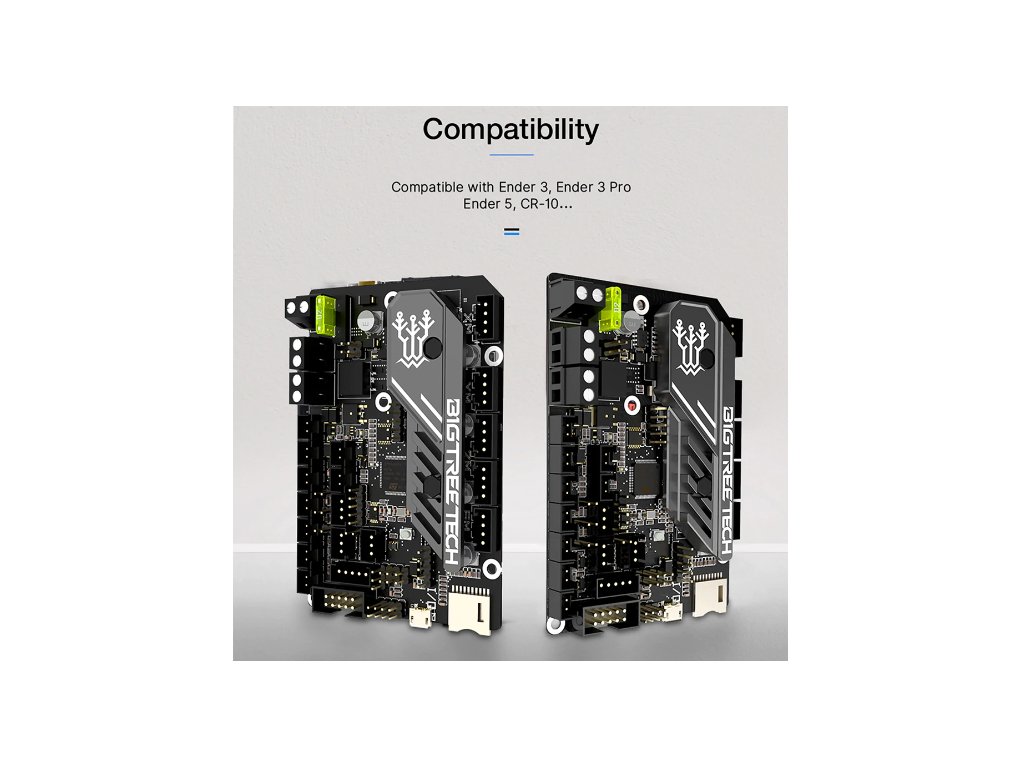
Compared to the previous version, the SKR MINI E3 V3.0 has been improved hardware-wise and is no longer compatible only with the Ender 3/Pro printer, but also with Ender 5, Ender 5 Pro, CR-10S / S4 / S5 printers.
Parameters:
Dimensions: 103.75 x 70.25 mm
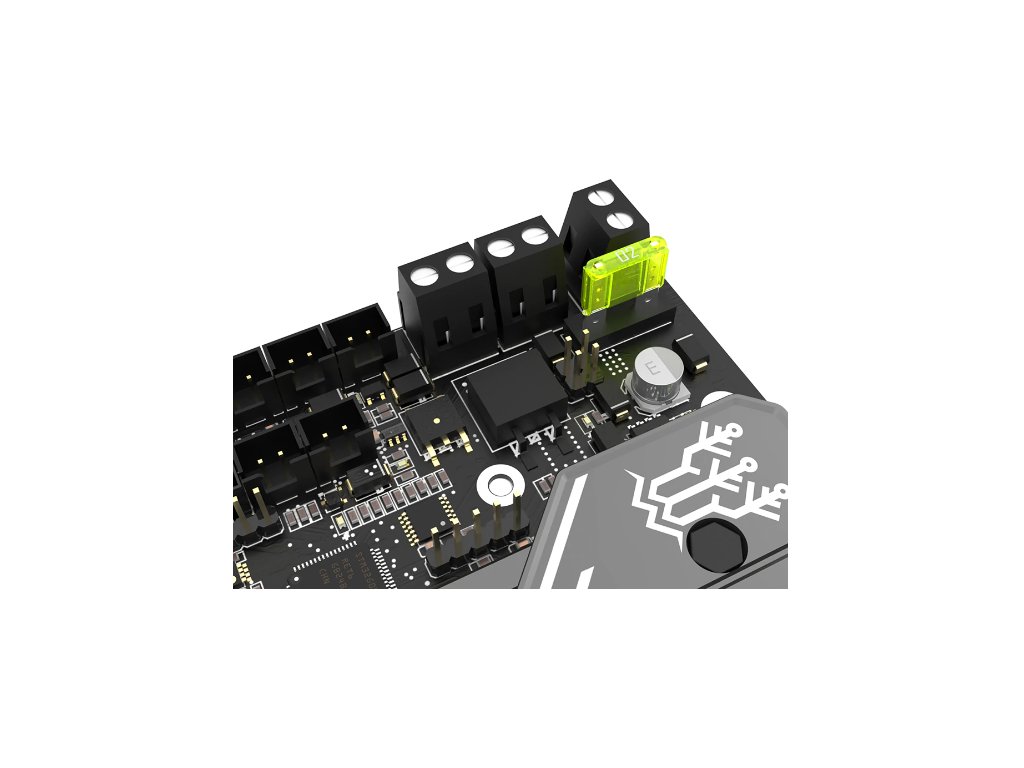
Board Power: DC 12/24 V
Logic Circuit Power: 3.3 V
Output Voltage (BL Touch etc.): 3.3/5 V
Motor Drivers: Fixed TMC2209 in UART mode
Number of Motor Drivers: 4 (XM, YM, ZAM+ZBM, EM)
Display Support: 2.4″ TFT, 3.5″ TFT, Ender 3 LCD 12864
PC Communication Interface: Micro USB
File Format: gcode
Control System: Marlin, Klipper
All information about this control board can be found in our manual at the link below.
» Manual for control board SKR MINI E3 V3.0 (v0.2) «
» DATASHEETS «
The manufacturer has two versions of the boards in circulation. For version 3.0, the manufacturer has prepared firmware at the link above. For version 3.0.1, the manufacturer only has basic firmware. On our repository, you will find firmware for the sensor connected to the Z probe. Thanks to Martin Šícha for creating it.
» OUR FIRMWARE FOR V3.0 and V3.0.1 «
Installation Guide

NOTICE
This product requires professional assembly; it is not a standalone functional unit.
All work on the board must be done with the printer turned off. We recommend unplugging the power cable from the power supply and waiting 5 minutes for the capacitors in the power supply to discharge. When working with the board, use tools and aids that do not generate static electricity. Static electricity can also be generated by clothing. If a defect caused by the user is proven, the claim will not be recognized.
Only registered users can submit posts. Please log in or sign up.
List of discussions
 Dvoubarevný tisk
Vítek Voda
Dvoubarevný tisk
Vítek Voda
 Radek 3D FUN
 Petr Kralovic